


Effective Tuesday, May 31, Ballad Health will make a minor change in the login process for ServiceNow in order to create a more secure login.
ServiceNow is where team members go on the Ballad Health intranet to make an IT service request or report an incident.
Key facts facts about the change
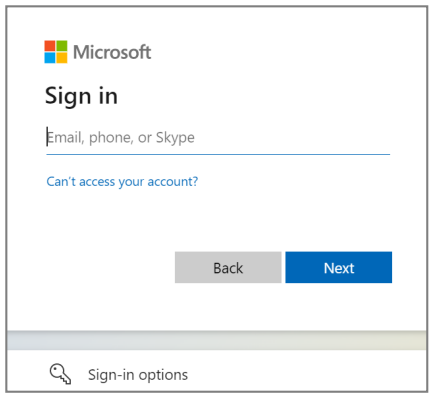
- The login screen for ServiceNow will have a new look (see image).
- When logging into the ServiceNow portal, team members will use their balladhealth.org email address instead of their Ballad Health AD account name (the “u number”).
- Team members without a “u number” will need to call the service desk and will be unable to self-serve until migrated to a “u number.”
- When accessing from the intranet via a Ballad Health network device, you will only have to type in your password and “u number” the first time you log in, and it will be automatically saved after that.
- When accessing from outside a Ballad Health network device, full login information will be required for each login.
- Accessing ServiceNow via the Ballad Teams app will not be impacted.
- Click here to see a ServiceNow single sign-on tip sheet.
The new method is called Azure AD Authentication. This will be an improved security profile, allowing more secure integration of ServiceNow with applications such as the Ballad Teams mobile app.
Reminder on accessing ServiceNow
There are several easy ways to access ServiceNow when you have an IT issue, question or need:
- You can use Ballad Teams, our team member mobile app – probably the easiest method by scrolling down the main page to “IT Support.”
- On the Ballad Health intranet main page, under “Quick Links” you’ll find “ServiceNow – IT Requests” which offers a self-service portal, a ChatIT function and the Service Desk email.
- You can call the IT Service Desk at 423-431-6290.
